How to Create a Realistic Fight Scene Using Seedance 2.0
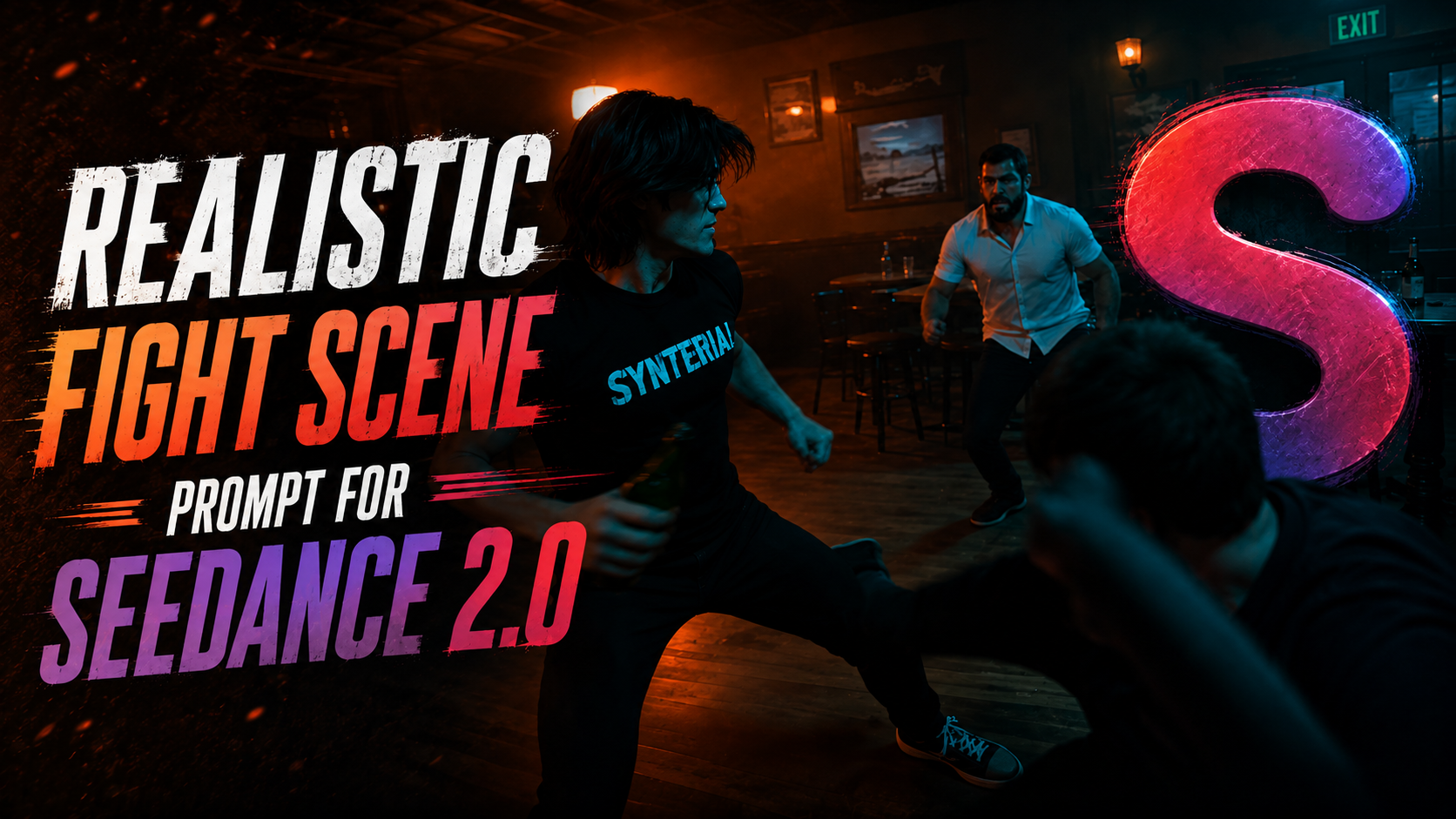
Creating cinematic AI fight scenes used to require complex VFX pipelines, stunt choreography, and expensive production teams.
But with Seedance 2.0, creators can now generate intense action sequences, dramatic combat choreography, and movie-like fight cinematics entirely with AI.
In this tutorial, you will learn how to create a realistic fight scene video using Seedance 2.0 inside Synterial.
The process is simple:
First, generate an illustrated version of yourself to bypass Seedance’s human restrictions. Then, use that illustration as the subject reference for your cinematic AI fight scene.
The final result looks like a high-budget action movie:
handheld IMAX camera movement,
aggressive MMA combat,
slow-motion impacts,
dramatic lighting,
and cinematic analog film effects.
Perfect for:
• TikTok action edits
• Anime-style combat videos
• AI short films
• Viral cinematic reels
• Character showcase content
In this guide, we will create:
• A realistic AI character illustration
• A cinematic combat sequence
• A dramatic fourth-wall-breaking fight scene
• A professional AI-generated action video
Let’s begin.
1. Generate illustration of yourself
Go to synterial image generator , pick nano banana 2 and attach your photo of yourself. Then use this prompt
Image Prompt
"Create a character design sheet illustration with detailed facial data based on this person wearing a black tight tshirt with the word Synterial in the middle front and black skinny jeans. Do not include original image."
This will create a illustration of yourself to bypass seedance human restriction
2. Generate the video us the provided prompt
Go to synterial video generator, pick seedance 2.0 pick size 480x854 and 15 second duration
Video Prompt
Using the same subject. One continuous shot (no cuts), 8–10 seconds long. Final scene.
0:00–0:02 — Aggressive Instant Chaos with handheld camera + Dutch tilt, strong parallax. Multiple attackers rush in, unprepared.
0:02–0:06 — FIGHT Fast and intense mix of Taekwondo and MMA: Quick kick combination (Taekwondo) Flying spinning kick setup Lockdown → Elbow & Knee Strike (MMA) Grab → Table/Bar Slam Bottle Smash, Aggressive, purposeful, and high-impact. Camera: Tight handheld tracking + fast panning + micro-shakes, centered on subject. Foreground lines → Strong parallax.
0:06–0:07 — TIME FREEZE (MIDDLE KICK) At the peak of the flying spinning kick, everything freezes (broken glass, floating liquid). The camera orbits the subject, the halation effect intensifies. The subject turns directly to the camera (breaking the fourth wall). Dialogue (spoken by the subject): “Seedance is now in Synterial”
0:07–0:10 — FINAL IMPACT Move to slow motion. The kick lands hard → the body is thrown, debris scatters. The camera pans slowly, subtle shaking. Style: Hybrid Handheld + IMAX, aggressive movement. Analog 35mm: heavy grain, halation, flicker, lens fog, vignetting. Low lighting, turquoise shadows, warm red/orange highlights, sharp contrast. Climactic tone: direct, confrontational, cinematic—the subject takes control of the moment.
You have now created a realistic cinematic AI fight scene using Seedance 2.0 and Synterial.
By combining:
• Nano Banana 2 character generation
• Cinematic Seedance 2.0 fighting prompts
• MMA and Taekwondo choreography
• IMAX-style handheld camera movement
• Analog film effects and dramatic lighting
You can create high-impact AI action videos that look like scenes from professional movies, anime adaptations, or cinematic trailers.
The best part is that every prompt can be modified to create different styles of combat scenes:
• Cyberpunk fights
• Anime battle sequences
• Superhero combat
• Gang fight cinematics
• Military action scenes
• Martial arts showcase videos
Experiment with:
• Different camera angles
• New fight choreography
• Environmental destruction
• Slow-motion timing
• Dialogue moments
• Lighting color combinations
The more cinematic detail you add into your prompts, the more realistic and immersive your AI-generated fight scenes will become.
If you want to create more AI cinematic videos, realistic combat scenes, and viral action content, try experimenting with other styles available inside Synterial.
Now it’s your turn to create your own cinematic AI fight scene.