AI Image Prompt: Ultra-Wide Sci-Fi Mecha Guardian Poster
Adam
Verified AI CreatorDescription
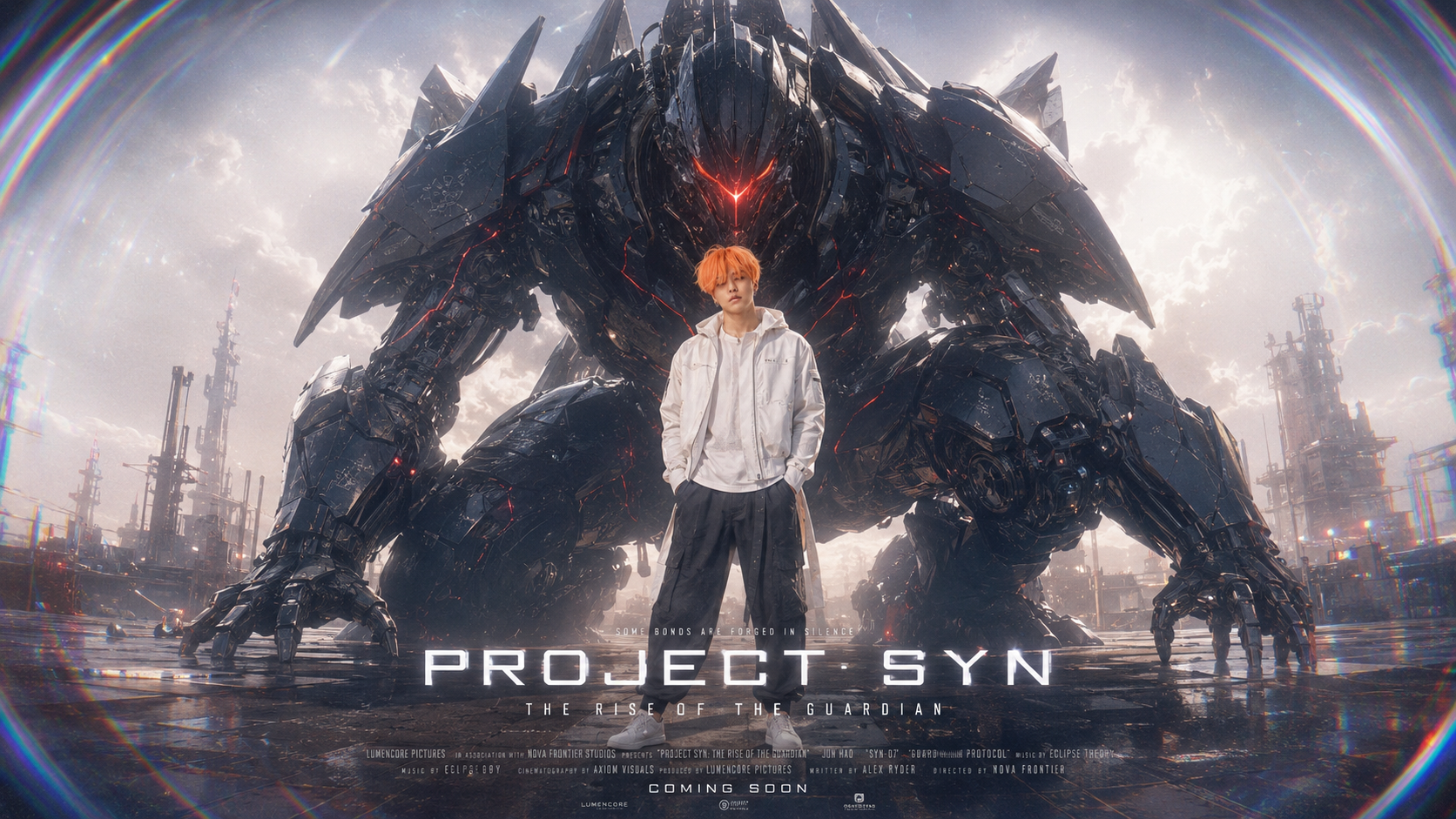
Generate an ultra-wide sci-fi poster with a person in a futuristic outfit in front of a giant mecha, featuring soft bloom & fisheye effects.
TRY THIS PROMPT
image template
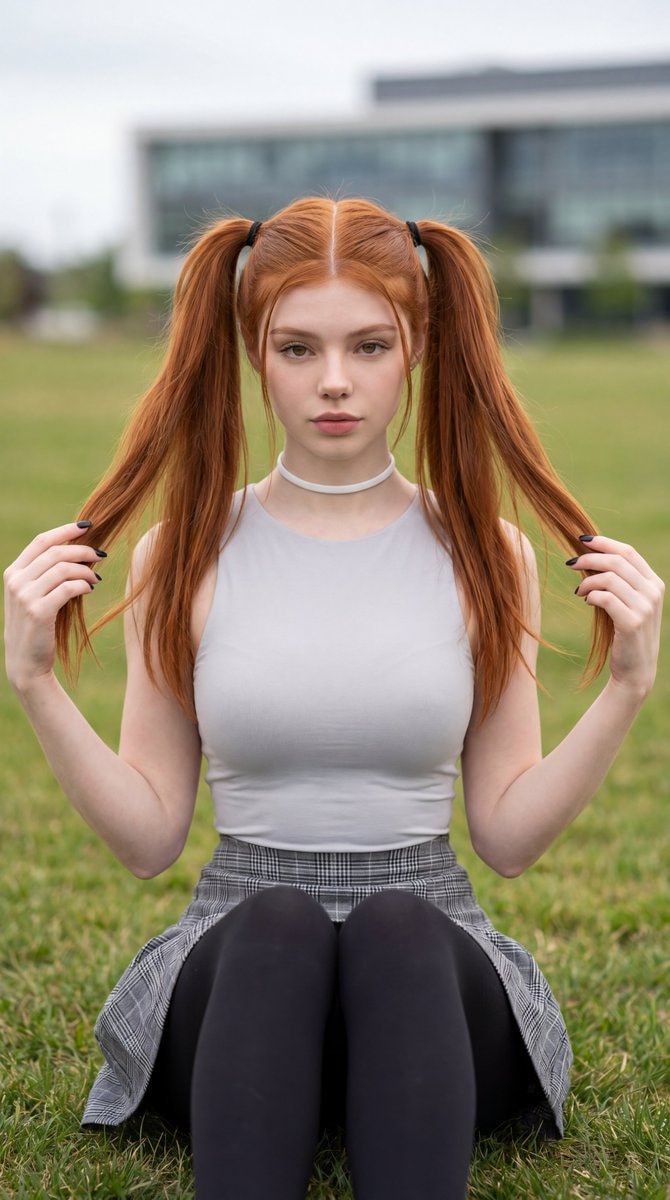
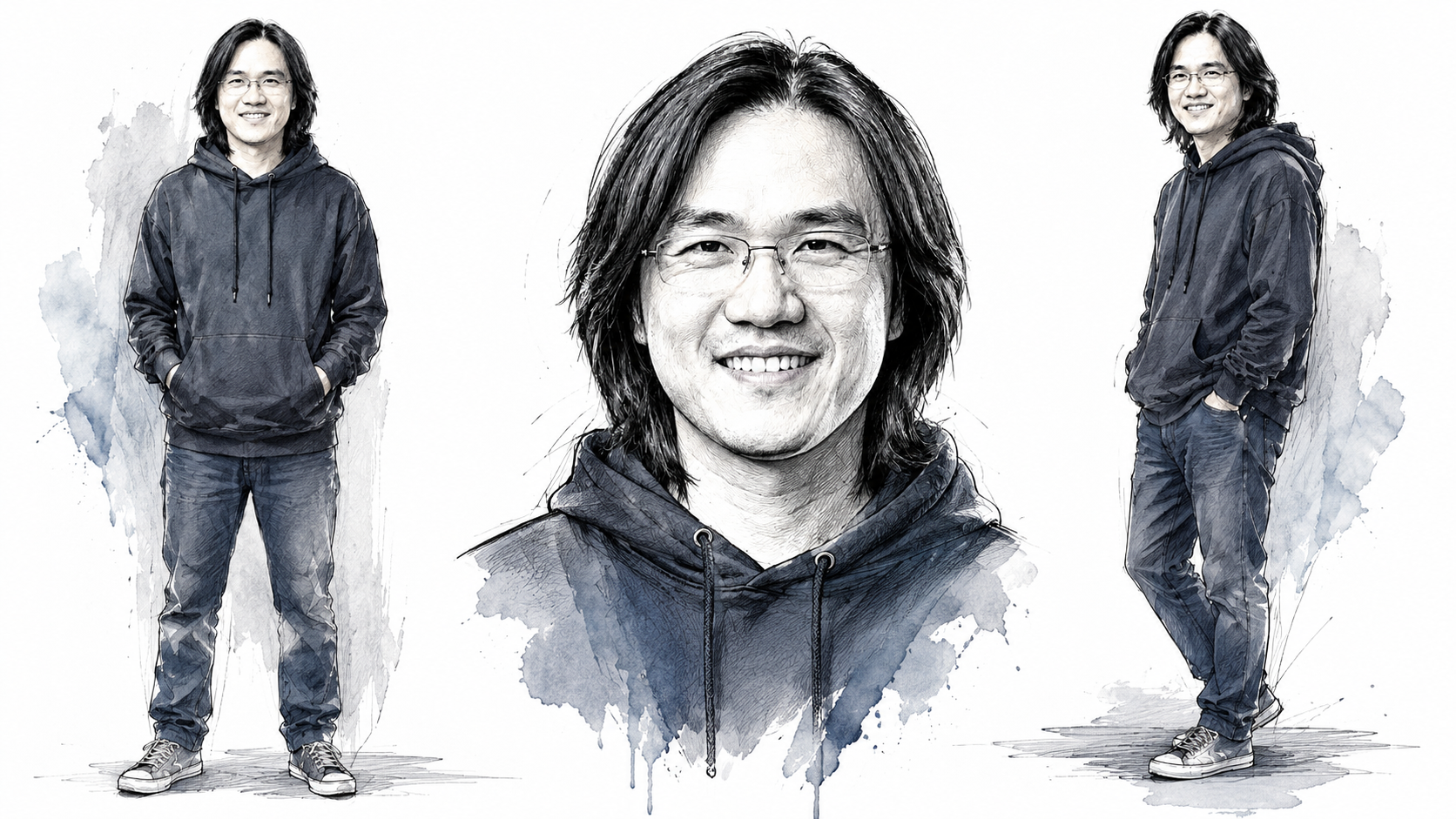
{ "prompt_name": "Ultra-Wide Soft Bloom Fisheye Mecha Guardian Poster", "aspect_ratio": "16:9 ultra-wide cinematic", "prompt": "Create an ultra-wide cinematic sci-fi poster using the uploaded person photo as the identity reference. The final image should feel like a premium futuristic movie key visual. Use the first reference image for the overall composition, camera angle, wide framing, subject placement, and cinematic poster layout. Use the second reference image as the main mecha design reference, especially the dark armored knight-like mech silhouette, sharp angular armor plates, black metallic surface, red glowing energy cracks, red visor glow, heavy shoulder armor, and intimidating guardian presence.\n\nPlace the person in the center foreground, full body visible, standing confidently in front of the giant mecha. The person should face forward toward the camera with a calm, cool, composed expression. Preserve the person's facial features, hairstyle, skin tone, age appearance, facial proportions, body proportions, and overall likeness from the uploaded photo. Identity preservation is the highest priority.\n\nThe person should wear a clean futuristic white outfit, such as a white jacket, white shirt, or white techwear-inspired clothing, paired with dark pants. The clothing should look cinematic, minimal, stylish, and grounded. Do not overdesign the outfit. Keep the person human, natural, and recognizable.\n\nBehind the person, create a massive dark knight-style mecha based on the second reference image. The mecha should be crouched or positioned low behind the human, filling most of the background with a powerful protective presence. Its armor should be black, graphite, and gunmetal, with fractured red glowing energy lines running through the plates. Add a sharp red glowing visor, angular helmet design, claw-like mechanical hands, heavy mechanical joints, layered armor, exposed pistons, vents, cables, and battle-worn surface details.\n\nUse the first reference image's cinematic composition: low camera angle, wide lens, dramatic scale contrast, human centered in front, giant mech behind, industrial sci-fi environment, large open factory yard or futuristic city platform. Keep the horizon low and make the mecha feel enormous. The image should feel like a theatrical poster for a sci-fi origin film.\n\nAdd a subtle but noticeable fisheye lens effect. The image should have a wide-angle curved perspective, slight barrel distortion, and gentle edge warping, especially near the outer frame, while still preserving the main subject clearly. The fisheye effect should enhance scale and cinematic impact without making the person look unnatural.\n\nLighting should be soft cinematic daylight with strong atmospheric bloom. Add white bloom highlights around the sky, armor edges, and bright reflective surfaces. Add subtle lens flare, gentle halation, soft haze, and diffused sunlight. The image must feel soft, dreamy, and cinematic, not overly sharp. Reduce harsh micro-detail on the person's face. Add soft focus to skin and facial edges while keeping the identity clear.\n\nAdd colorful edge bloom around the image edges. Create soft prismatic color fringing, iridescent light spill, and subtle rainbow-tinted glow near the outer frame, as if the lens is catching atmospheric light. The colorful edge effect should remain elegant and cinematic, not too strong, and should blend with the bloom naturally. Add a delicate chromatic aberration feel on the extreme edges only.\n\nAdd a white noise tint across the image, like fine film grain mixed with soft digital texture. Use low contrast, muted shadows, cool grey-blue atmosphere, creamy highlights, and subtle desaturation. The final look should feel soft, premium, cinematic, slightly dreamy, and gently washed with white atmospheric noise.\n\nAdd some generic cinematic poster text. Use large bold futuristic title text such as \"PROJECT SYN\", \"MECHA ORIGIN\", or \"STEEL AWAKENING\". Add a smaller subtitle or tagline such as \"THE RISE OF THE GUARDIAN\", \"A NEW ERA BEGINS\", or \"HUMAN AND MACHINE UNITE\". Place the main title on the left side or lower third of the poster. Place the subtitle beneath it in smaller elegant lettering. Add tiny cinematic credit-style micro text near the bottom center or bottom left for a movie-poster feel. Keep all text generic, stylish, readable, and secondary to the subject. Do not cover the person's face or the mecha's head.\n\nOverall mood: powerful, mysterious, futuristic, cinematic, soft, high-budget, emotional, and iconic. The person should feel like the chosen pilot or main character standing in front of their guardian mecha.", "negative_prompt": "Do not change the person's identity. Do not make the face too sharp. Do not add extra people. Do not create a cartoon or anime style. Do not make the mecha white. Do not make the outfit colorful. Do not overexpose the face. Do not hide the person behind the mecha. Do not crop out the full body. Do not add messy unreadable text. Do not make the image too dark. Do not make the background too busy. Do not create plastic-looking armor. Do not remove the red glowing mech details. Do not make the fisheye distortion extreme. Do not make the colorful edge effect overpower the image." }
Result
Download
Generations consume standard token rates depending on model specifications.
Prompt Specifications
Model Engine
openai/gpt-5.4-image-2
Output Format
16:9
Verified Prompt FAQ
This prompt is used to generate AI image content with a ready-made technical structure,
model configuration, and reference image support. It helps creators test visual ideas faster
without building every prompt from scratch.
Yes. Upload your reference images inside the Prompt Tester panel on the right, then run the
generation test to preview how the prompt performs with your own visual direction.
Yes. This prompt is listed as a Synterial verified showcase prompt and includes its official
preview, model engine, output configuration, and testing workflow.