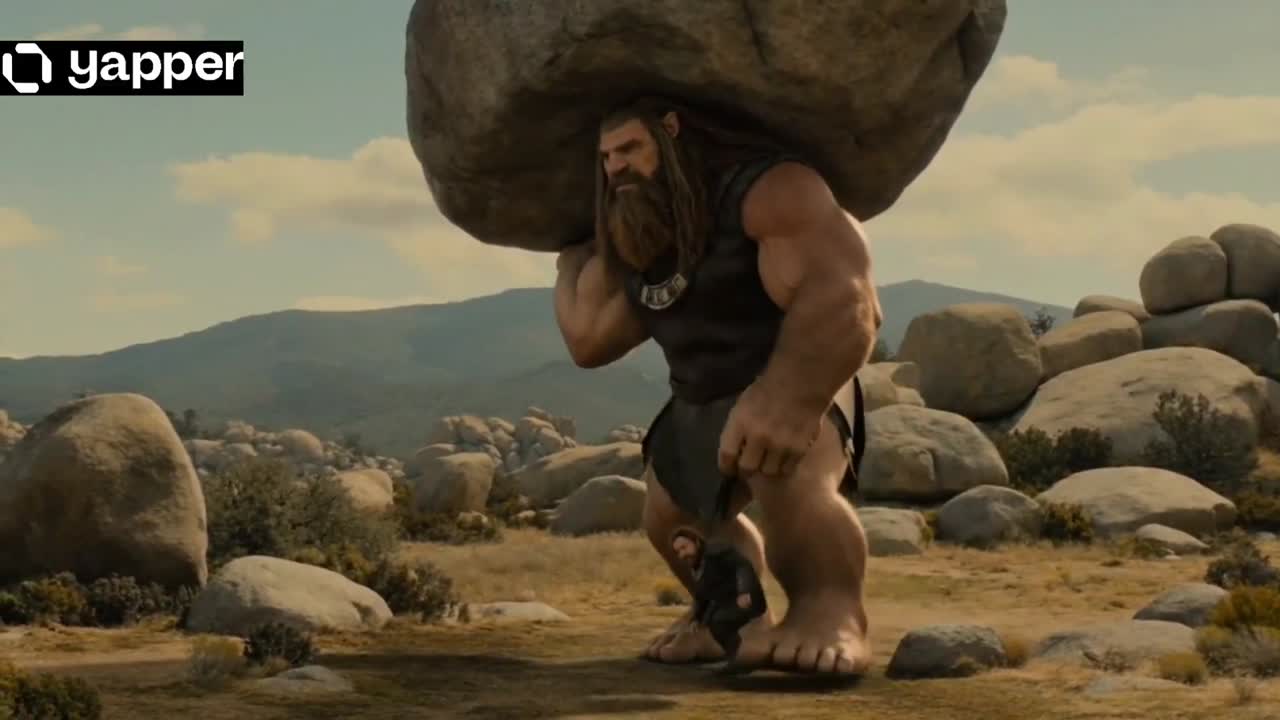
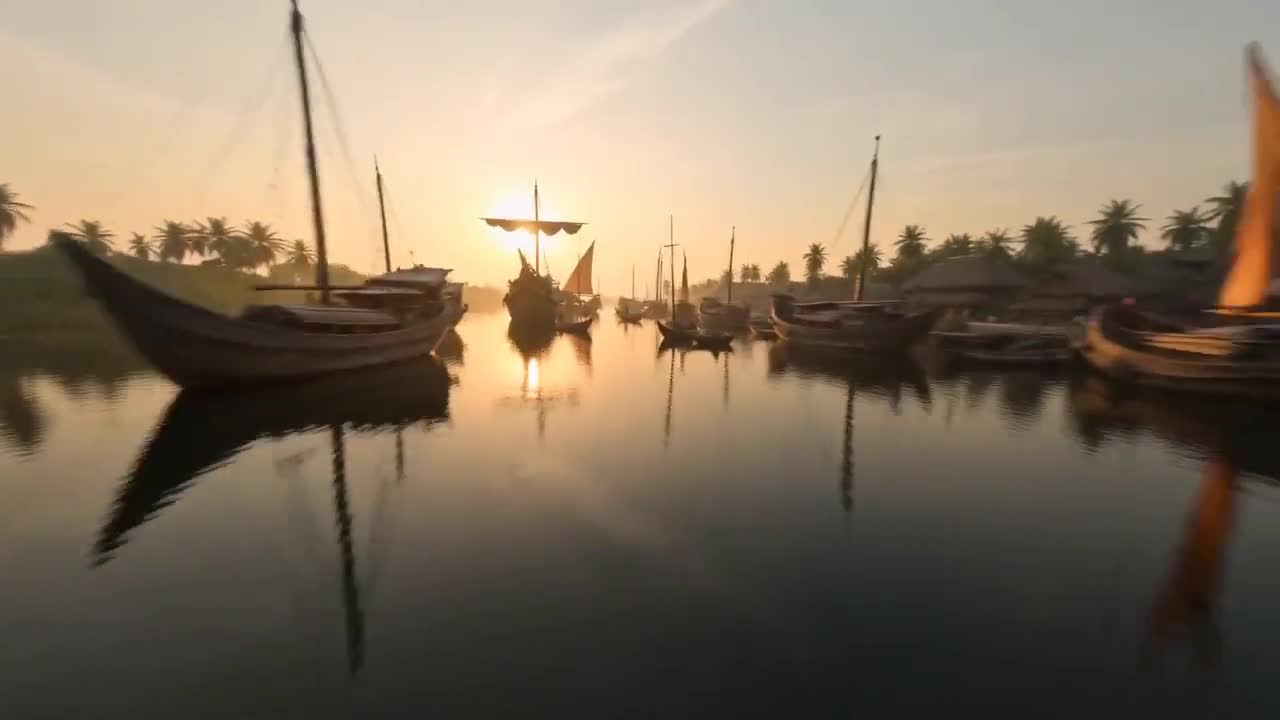
Seedance 2.0 Prompt: Storyboard-to-Video Transformation Tutorial
Kōda
Verified AI CreatorDescription
Learn how to use a Seedance 2.0 prompt to transform a storyboard's shot blueprint into a sequential cinematic video, ignoring panel elements.
TRY THIS PROMPT
video template
Use @[storyboard ref] as the authoritative shot blueprint. Do not render the storyboard sheet itself. Ignore all borders, panel frames, text, labels, headers, swatches, director-strip graphics and layout elements. Treat each panel as one sequential cinematic
Result
Download
Generations consume standard token rates depending on model specifications.
Prompt Specifications
Model Engine
bytedance/seedance-2.0
Output Format
1080x1080 •
15s
Verified Prompt FAQ
This prompt is used to generate AI video content with a ready-made technical structure,
model configuration, and reference image support. It helps creators test visual ideas faster
without building every prompt from scratch.
Yes. Upload your reference images inside the Prompt Tester panel on the right, then run the
generation test to preview how the prompt performs with your own visual direction.
Yes. This prompt is listed as a Synterial verified showcase prompt and includes its official
preview, model engine, output configuration, and testing workflow.