Synterial Launches Video to GIF Converter Tool for Creators
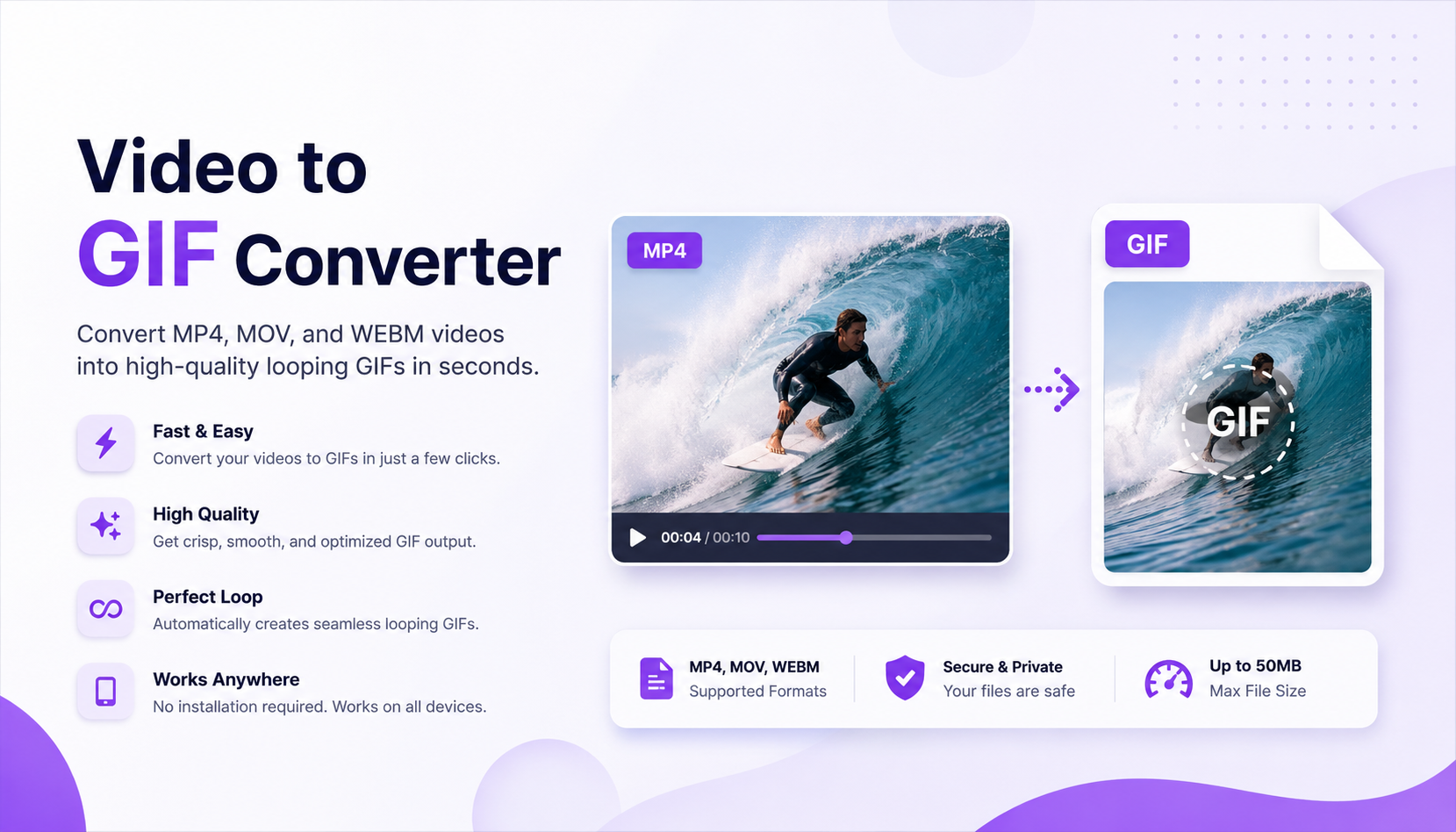
Synterial Launches Video to GIF Converter Tool
In today’s fast-moving digital world, short-form visual content continues to dominate social media, online communities, and marketing campaigns. To help creators and businesses produce engaging content faster, Synterial has officially launched its new Video to GIF Converter tool.
The new tool allows users to convert MP4, MOV, and WEBM videos into high-quality looping GIFs directly online without complicated editing software.
Whether you are creating meme content, product previews, social media reactions, tutorial snippets, or promotional visuals, the new converter is designed to make the workflow simple, fast, and creator-friendly.
Why GIF Content Still Matters in 2026
Even with the rise of short-form videos, GIFs remain one of the internet’s most widely used visual formats.
GIFs are lightweight, instantly viewable, autoplay naturally on many platforms, and are perfect for:
- Social media engagement
- Discord communities
- Product demonstrations
- Meme culture
- Marketing creatives
- Tutorial loops
- Landing page animations
- Comment reactions
Unlike traditional videos, GIFs can communicate emotion, movement, and product highlights almost instantly without requiring users to press play.
That makes them extremely effective for capturing attention in crowded feeds.
Introducing the Synterial Video to GIF Converter
The new Video to GIF Converter from Synterial focuses on simplicity, speed, and clean output quality.
Users can:
- Upload MP4 videos
- Convert MOV files into GIFs
- Generate looping GIFs from WEBM clips
- Download optimized GIFs instantly
- Use the tool directly from desktop or mobile
The platform is built to support creators, marketers, businesses, and casual users who need a fast online solution without technical complexity.
Key Features
High-Quality GIF Output
The converter is optimized to maintain clean visual quality while generating lightweight looping GIFs suitable for online sharing.
Fast Online Processing
No software installation is required. Everything happens directly online through the browser.
Mobile-Friendly Workflow
Users can upload and convert videos from both desktop and mobile devices.
Social Media Optimized
The generated GIFs work well for:
- Facebook posts
- Instagram content
- Discord servers
- X/Twitter replies
- Blog articles
- Community marketing
Simple User Experience
The drag-and-drop interface allows users to upload videos and generate GIFs in just a few clicks.
Built for Content Creators and Businesses
The launch of the tool aligns with Synterial’s larger vision of helping creators and businesses produce better content faster using AI-powered and creator-focused utilities.
As content marketing becomes increasingly competitive, tools that simplify production workflows are becoming essential.
Instead of spending time learning advanced editing software, users can quickly transform short clips into engaging GIF content for:
- Product showcases
- Ad creatives
- Community engagement
- Viral marketing
- Tutorial loops
- Meme marketing
Why Businesses Use GIFs in Marketing
GIFs are highly effective because they combine movement with instant accessibility.
Compared to traditional videos:
- GIFs autoplay immediately
- They feel lighter and faster
- They work well in comments and messaging
- They improve engagement rates
- They are easier to consume quickly
Many brands now use GIFs to:
- Showcase product features
- Demonstrate software tools
- Highlight promotions
- Create looping ad previews
- Increase social engagement
Synterial’s Growing Creative Tool Ecosystem
The Video to GIF Converter joins Synterial’s expanding ecosystem of creator tools and AI-powered utilities.
The platform continues to focus on helping users:
- Generate content faster
- Create marketing assets
- Produce social-first visuals
- Build engaging campaigns
- Improve content workflows
This launch also reflects the growing demand for lightweight content creation tools that prioritize speed and accessibility.
Who Should Use the Tool?
The Video to GIF Converter is suitable for:
- Content creators
- Social media managers
- Meme pages
- Businesses
- Marketing agencies
- Community managers
- Ecommerce brands
- Startup founders
- Bloggers
- Educators
Anyone who regularly creates online content can benefit from converting short clips into reusable looping visuals.
Future Updates
Synterial has also hinted at future upgrades and additional creative utilities that will expand the platform’s media creation ecosystem.
Potential future improvements may include:
- GIF compression optimization
- FPS controls
- Resolution settings
- Frame trimming
- AI enhancement tools
- Direct social export integrations
Try the Synterial Video to GIF Converter
Users can now access the new tool directly online through Synterial.
FAQ
What video formats are supported?
The tool currently supports MP4, MOV, and WEBM video formats.
Is the Video to GIF Converter free to use?
The tool operates using Synterial’s token system.
Can I use the GIFs for social media?
Yes. The generated GIFs are suitable for social media posts, ads, comments, blogs, and online communities.
Does the tool work on mobile devices?
Yes. The converter is mobile-friendly and works directly from the browser.
Do I need editing software?
No. Everything is processed online without needing additional software installation.
What is Synterial?
Synterial is a creator-focused platform offering AI-powered creative and marketing tools for businesses, creators, and social media content production.